> For the complete documentation index, see [llms.txt](https://docs.toucanai.cloud/llms.txt). Markdown versions of documentation pages are available by appending `.md` to page URLs; this page is available as [Markdown](https://docs.toucanai.cloud/getting-started/welcome-to-toucan-ai.md).
# Welcome to Toucan AI
### Your First Steps
#### First Login Experience
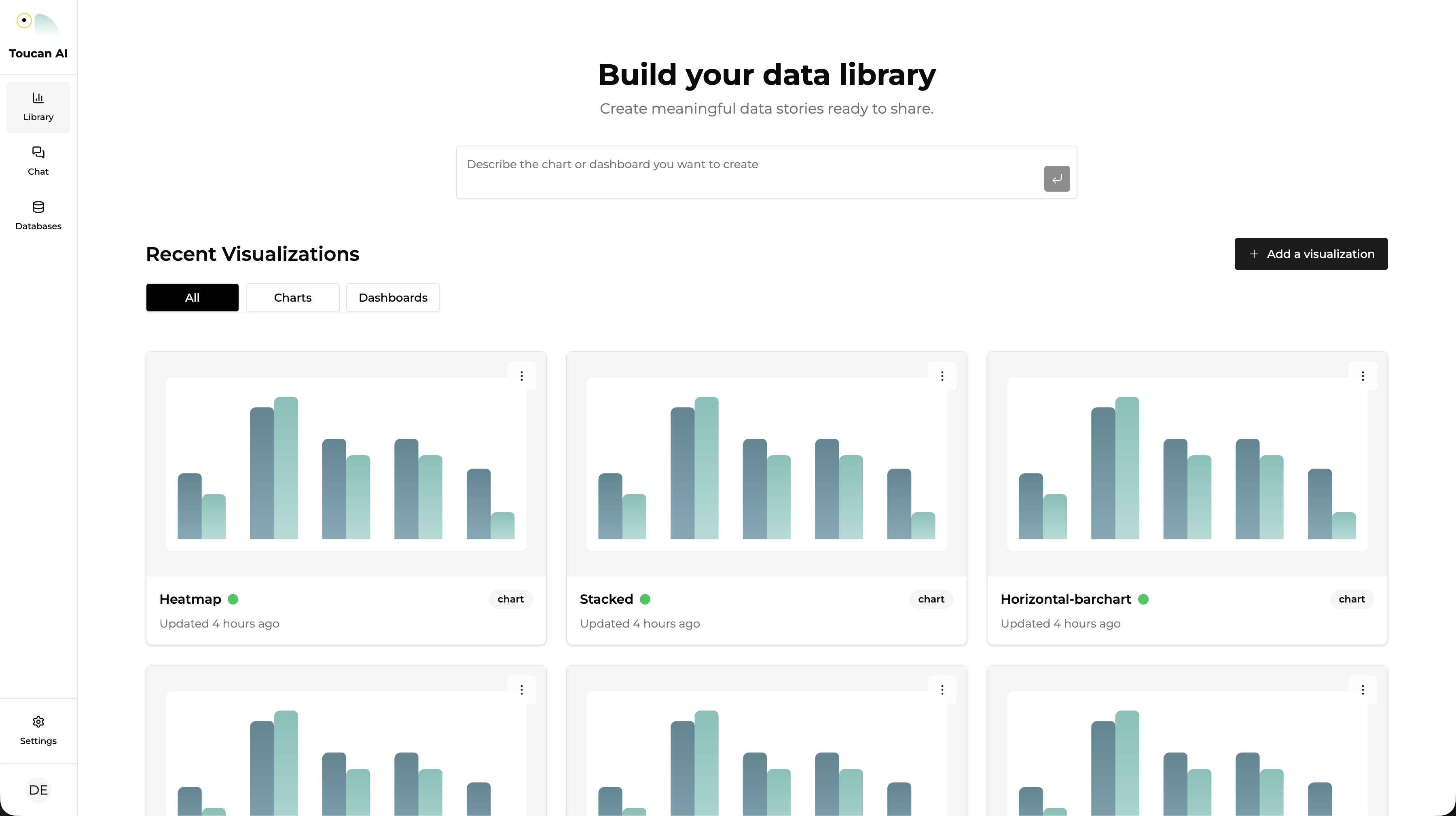
After signing in, you’ll land on your organization’s dashboard.\
The interface is tailored to your organization and your user role, so you see exactly what matters to you.
***
#### UI Overview
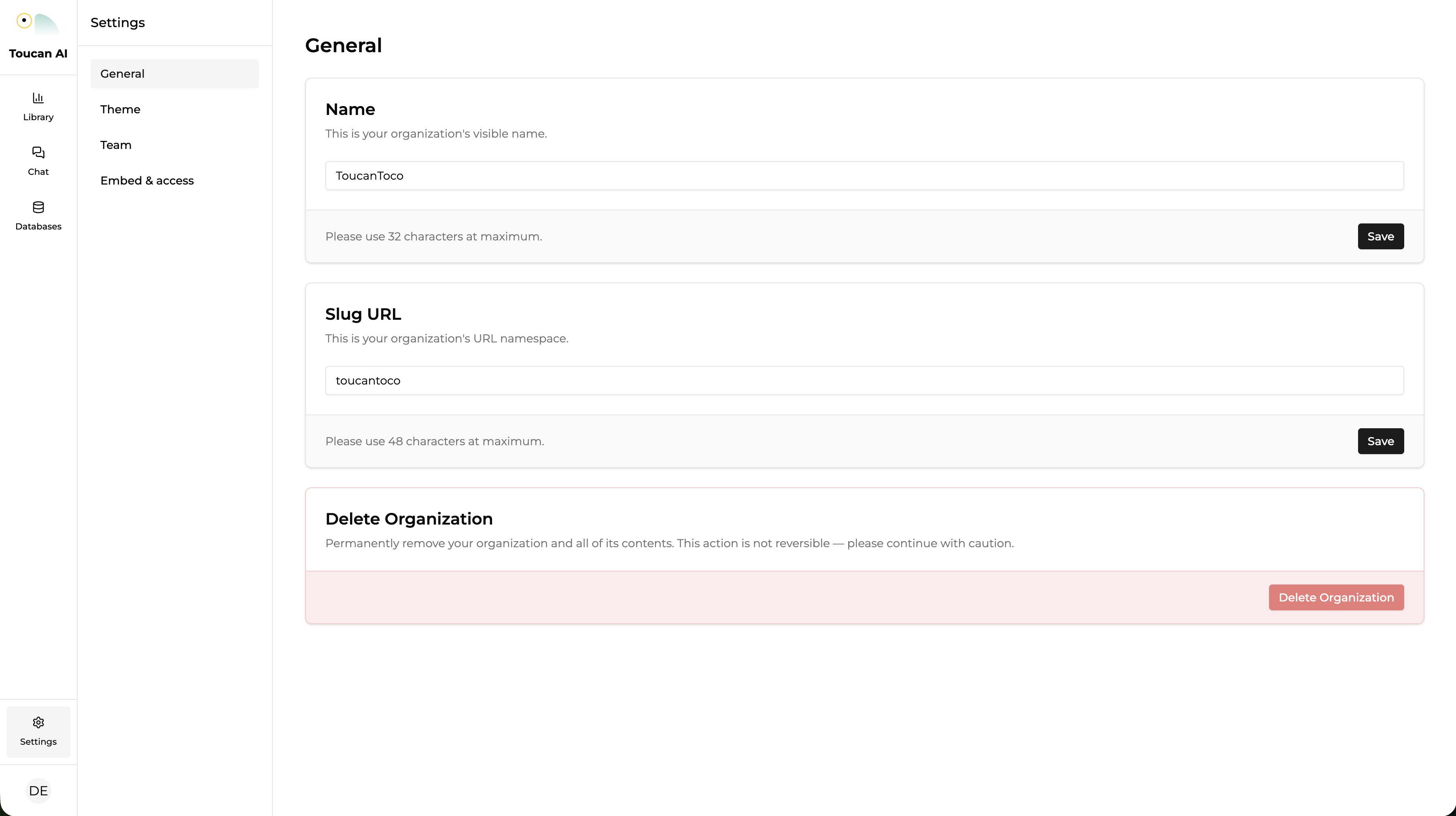
* The left sidebar gives you quick access to key sections: **Library**, **Chat**, **Databases**, and **Settings**.
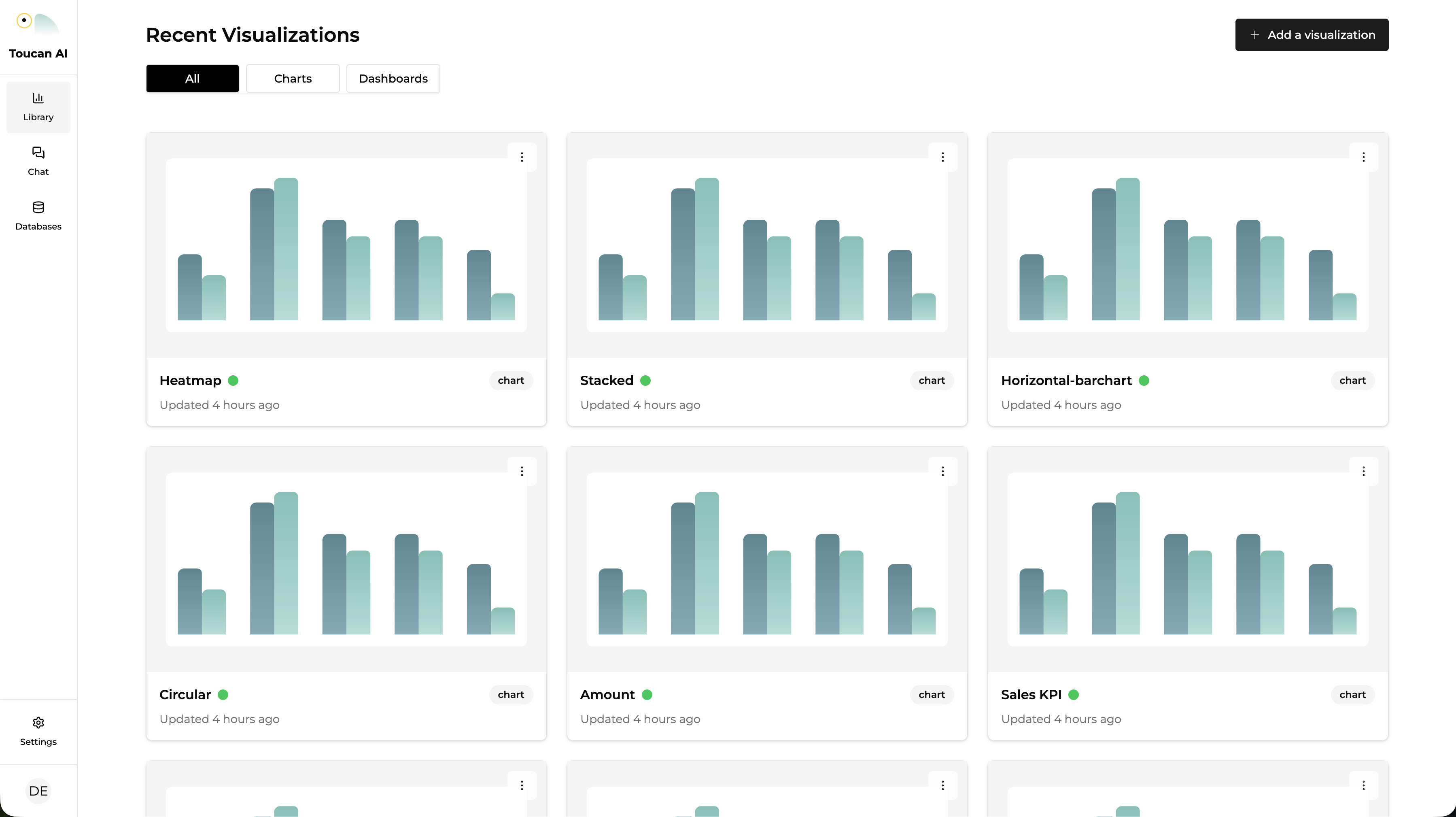
* The main area displays your recent visualizations—dashboards and charts at a glance.
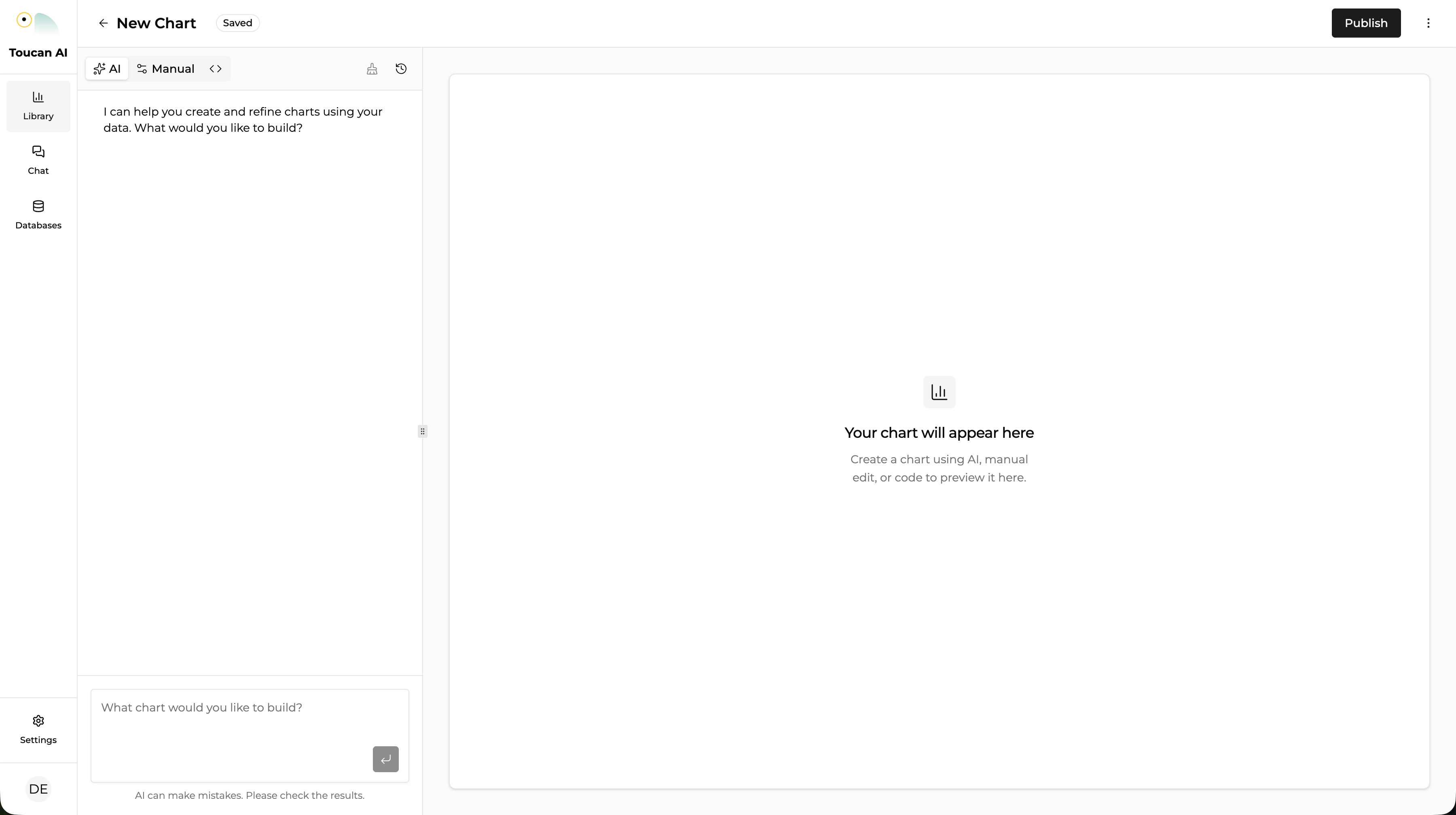
* Use the **“Add a visualization”** button to start building a new chart or dashboard.
* The search bar at the top lets you describe what you want to create in natural language—let AI do the heavy lifting.
***
#### Navigation Basics
* Switch between Library, Chat, and Databases using the sidebar.
* View and manage your recent visualizations right from the main dashboard.
* Access organization and account settings from the lower section of the sidebar.
***
#### Where to Start
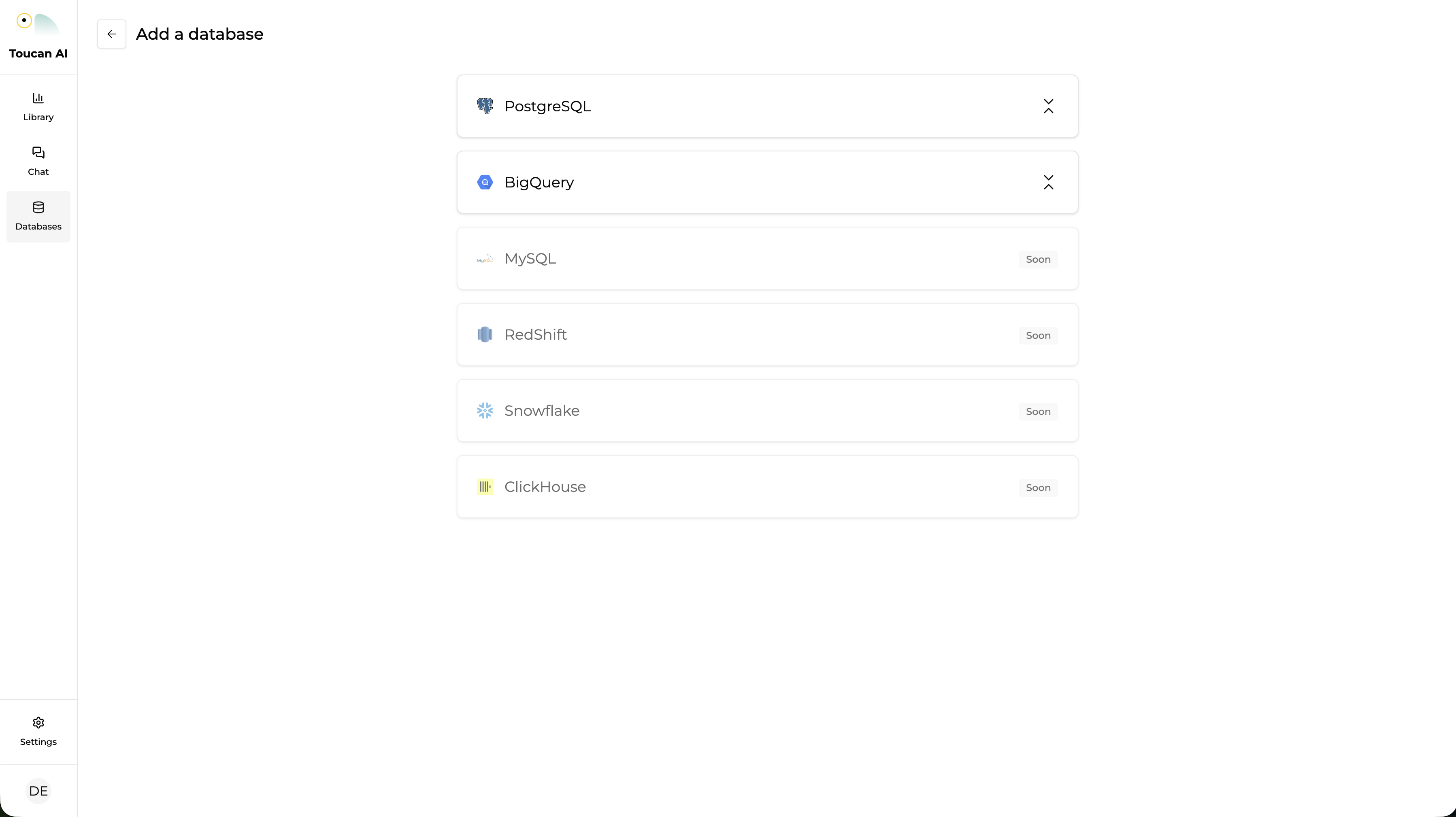
1. **Connect your data sources** in the Databases section.
2. Use the **Library** to view, create, and organize charts and dashboards.
3. Create new visualizations by clicking **“Add a visualization”** or using the search bar.
4. Manage organization settings and user roles from the **Settings** menu.
***
### Summary
On your first login, you’re guided to set up your organization.\
The UI is designed for easy navigation between data, charts, dashboards, and embedding options.\
Start by connecting your data, then use AI or manual tools to build and embed analytics features—quickly and efficiently.