Toucan AI Documentation
Two ways to bring AI-powered analytics to your users: build with Core, or let Toucan build and run it with Crew.
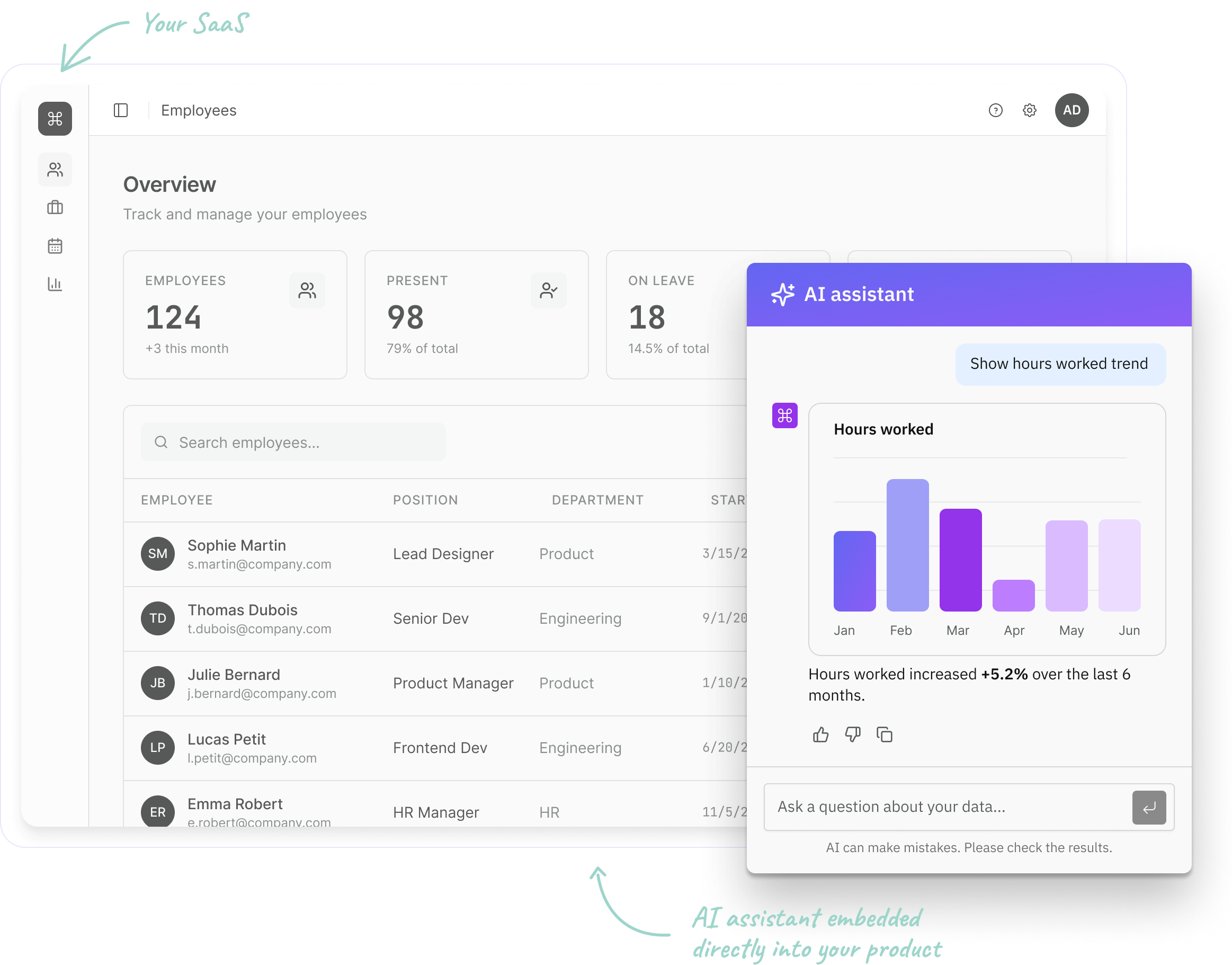
Toucan AI lets your users ask questions in plain words and get charts, dashboards and insights they can act on. You choose who builds it.
Core: you build
Connect your data, define your metrics, then embed a chat or dashboards in your product.
Best for teams that want to build and run their own analytics experience.
Crew: Toucan builds and runs it
A supervised crew of AI agents delivers and operates your data apps, with a Toucan expert accountable for every result.
Best for business leaders who want a finished, maintained analytics experience without building it or staffing a data team.
Explore the docs
Overview
What Toucan AI is and the two ways to use it: build it yourself with Core, or let Toucan build and run it with Crew.
Core
With Core, you build your analytics experience yourself: connect your data, build charts and dashboards, embed them in your product and govern access.
Crew
Toucan AI Crew is a managed analytics service: a supervised crew of AI agents builds and runs your data apps, with a Toucan data expert accountable for every result.
Reference
Precise, exhaustive technical reference.
FAQ
Answers to common questions about Toucan AI, its AI and your data.
Release notes
What changed in Toucan AI each month: new features, improvements and notable fixes.