> For the complete documentation index, see [llms.txt](https://docs.toucanai.cloud/llms.txt). Markdown versions of documentation pages are available by appending `.md` to page URLs; this page is available as [Markdown](https://docs.toucanai.cloud/getting-started/quick-start/subscribe-to-toucan.md).
# Subscribe to Toucan AI
{% hint style="info" %}
**Target Audience**: Non technical users
{% endhint %}
### Goal
Establish a Toucan AI account and create an organization to manage databases, dashboards, and permissions.
***
### Prerequisites
* Access to a Toucan AI signup page for cloud or self-hosted instances.
* A valid email address for account verification.
***
### Steps
#### 1. Create Your Account
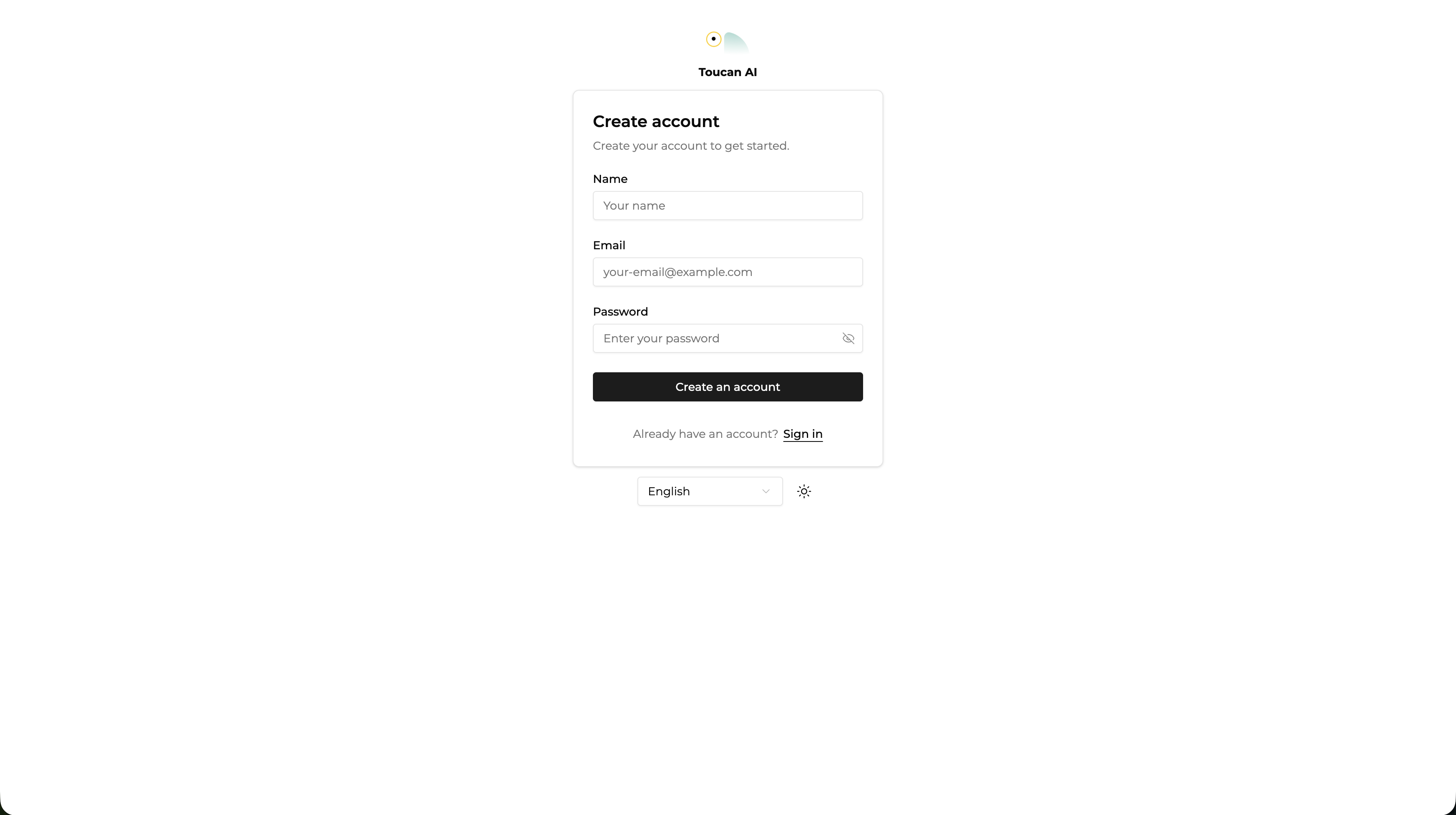
* Navigate to the Toucan AI signup page.
* Enter your name and email address.
* Define a password.
* Click the verification link sent to your email inbox.
{% hint style="warning" %}
**Constraint**: An account is mandatory to access analytics features and manage organizational settings.
{% endhint %}
#### 2. Initialize Your First Organization
* Enter a name for your organization when prompted.
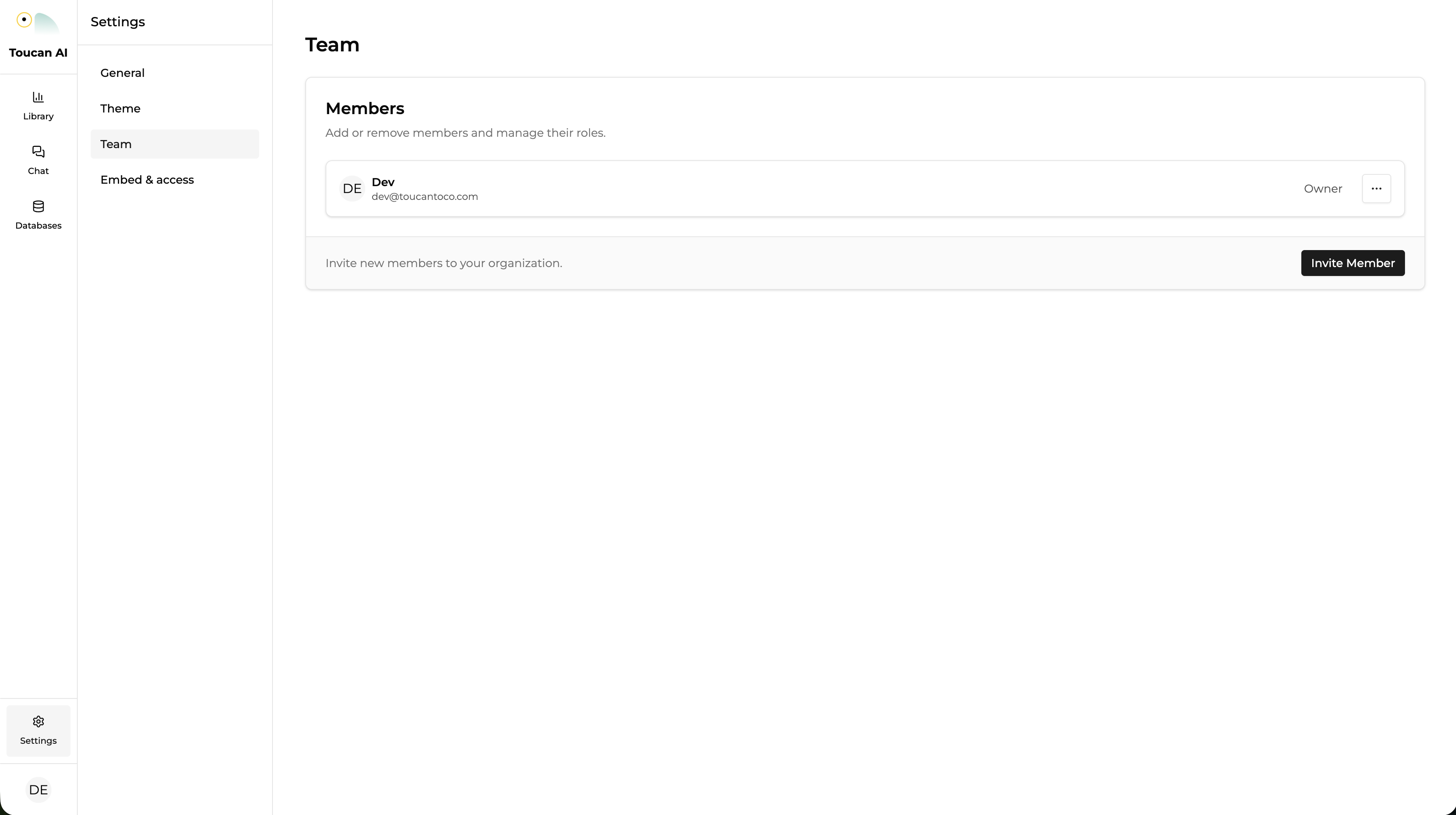
* Access the settings menu to modify the organization slug or URL.
* Invite team members from the organization settings panel.
{% hint style="info" %}
**Technical Note**: All databases, charts, dashboards, and user roles are scoped to the organization.
{% endhint %}
***
### Conclusion
You now have a verified account and an active organization. You may now proceed to connect data sources and define your semantic layer.
**Suggested** **Next Steps**: [How-to: Add a database](/build/data-connections/how-to/add-a-database.md)