> For the complete documentation index, see [llms.txt](https://docs.toucanai.cloud/llms.txt). Markdown versions of documentation pages are available by appending `.md` to page URLs; this page is available as [Markdown](https://docs.toucanai.cloud/embed/copy-of-embed-an-ai-chat.md).
# Copy of Embed an AI Chat
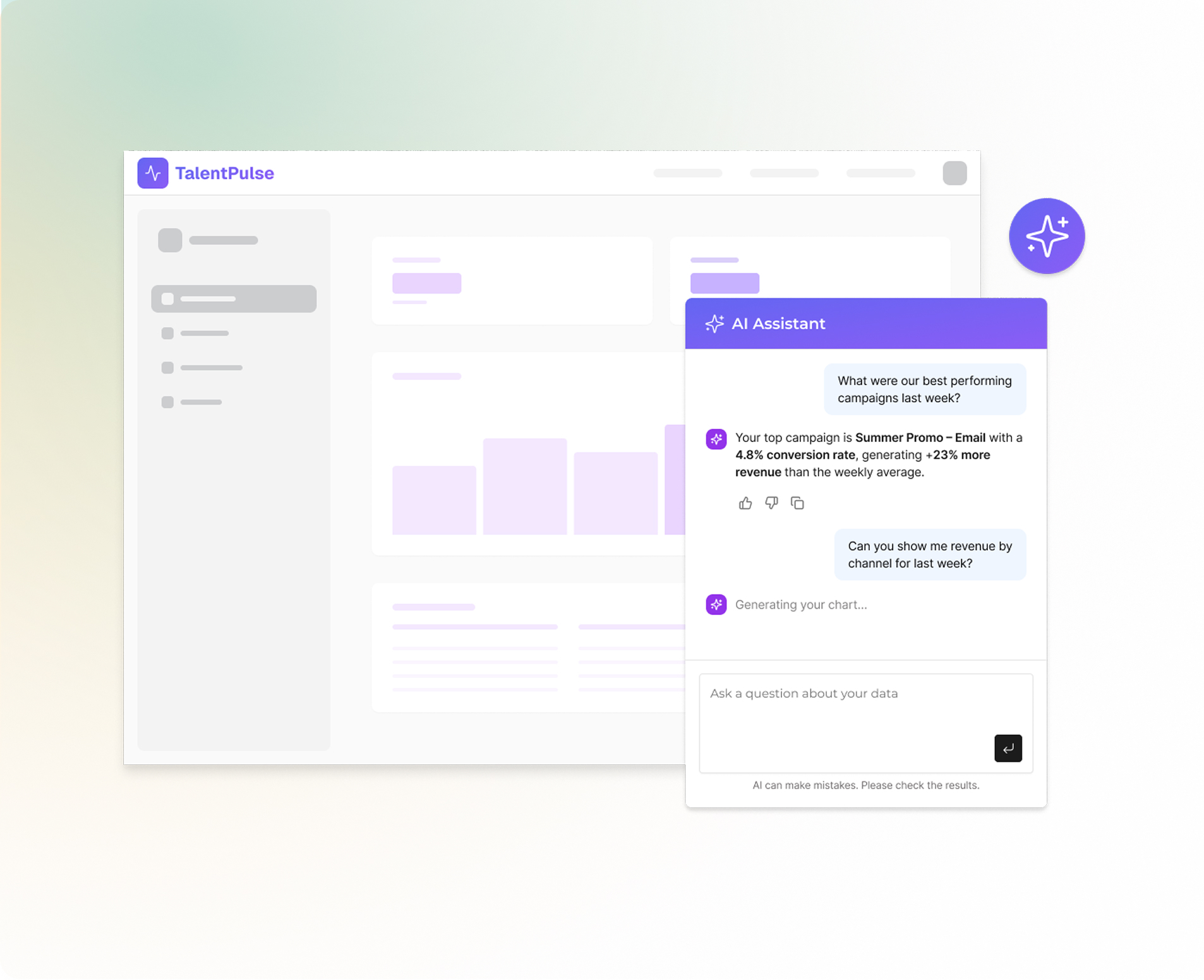
Self-service AI Chat lets embedded users explore data using natural language, without accessing Toucan AI platform.
The chat is embedded in your product and governed by your data, security, and configuration rules.
### What the feature does
This feature allows you to:
* Embed an **AI-powered chat** inside your product
* Let **Explorers** ask questions in natural language
* Return **tables and charts** generated from your data
* Restrict answers using **datasets, and RLS**
The embedded AI chat is designed for **data exploration**, not dashboard building.
***
### Prerequisites
Before enabling self-service AI chat, you must have:
* At least one connected database
* At least one generated API key
* At least one generated access token
* (Recommended) Dataset metadata analyzed or enriched
* (Recommended) Row-Level Security configured
***
### How to use it
#### Step 1 – Prepare your data
* Analyze datasets with AI
* Review and adjust column descriptions
* Ensure metric definitions are explicit
Good metadata directly impacts answer quality.
#### Step 2 – Set up security
* Define custom token attributes
* Map attributes to dataset columns using RLS
Always validate with multiple attribute values.
#### Step 3 – Configure embed token
When generating a token:
* Include required attributes
* Set token expiration
* Enable AI chat capability
Tokens fully define what the Explorer can see and do.
#### Step 4 – Embed the AI chat
Embed the chat using Web component. The chat runs fully inside your product UI.
```vue-html
```
#### Example
**Use case:** HR SaaS with multi-tenant customers
* Attribute: `customer_id`
* Dataset column: `customer_id`
* Explorer question:\
\&#xNAN;*“How many hires last quarter?”*
Result:
* Query is filtered by `customer_id`
* Explorer only sees their own data
* No configuration or SQL required